
-1.webp)
-1.webp)
-2.webp)



























Liquid Diamond Carts: Checks, Model-Specific Use and Troubleshooting
Last Updated: Sep 4, 2026
This content is for informational purposes only and does not constitute medical or legal advice. Please consult a licensed healthcare provider before using cannabis products. Comply with your state’s regulations.
This content is intended for audiences 21 years and older, as required by U.S. law.
Cannabis regulations vary by state. Please verify the legal status of products in your area before purchase.
Before using liquid diamond carts, identify the finished product, confirm the cartridge and battery pairing, and find the instructions for that exact combination. If the model is unclear, the package is damaged, or the device behaves unexpectedly, pause and contact the seller or manufacturer. The oil name alone cannot supply the missing instructions.
This guide covers prefilled cartridges used with a separate battery. It helps you check the product, locate an applicable starting procedure, and prepare a support request. It does not provide verified startup steps for a particular model or replace its instructions. Completing these checks does not establish that vaping is risk-free.
What Is a Liquid Diamond Cartridge?
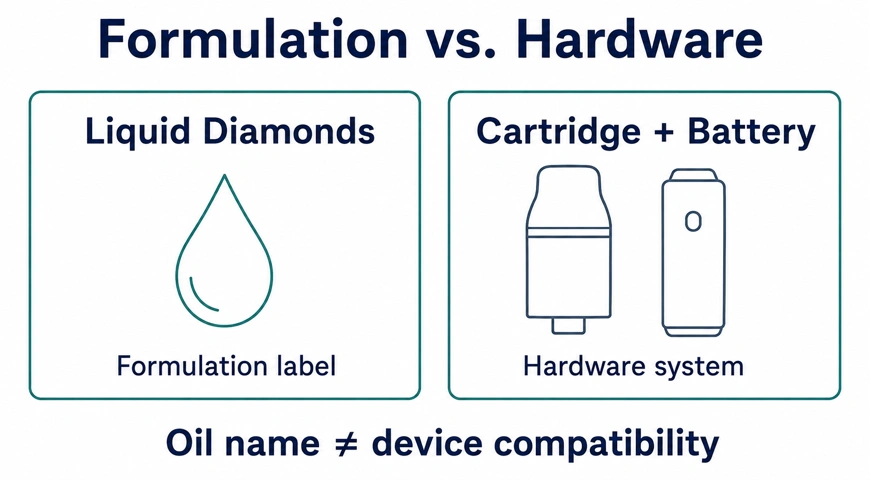
A liquid diamond cartridge is a vape cartridge containing a cannabis formulation marketed as liquid diamonds. Separate the two parts of that description: “liquid diamonds” describes the contents, while “cartridge” describes the hardware format. The name alone does not establish the ingredients, cannabinoid concentration, or suitable device settings.
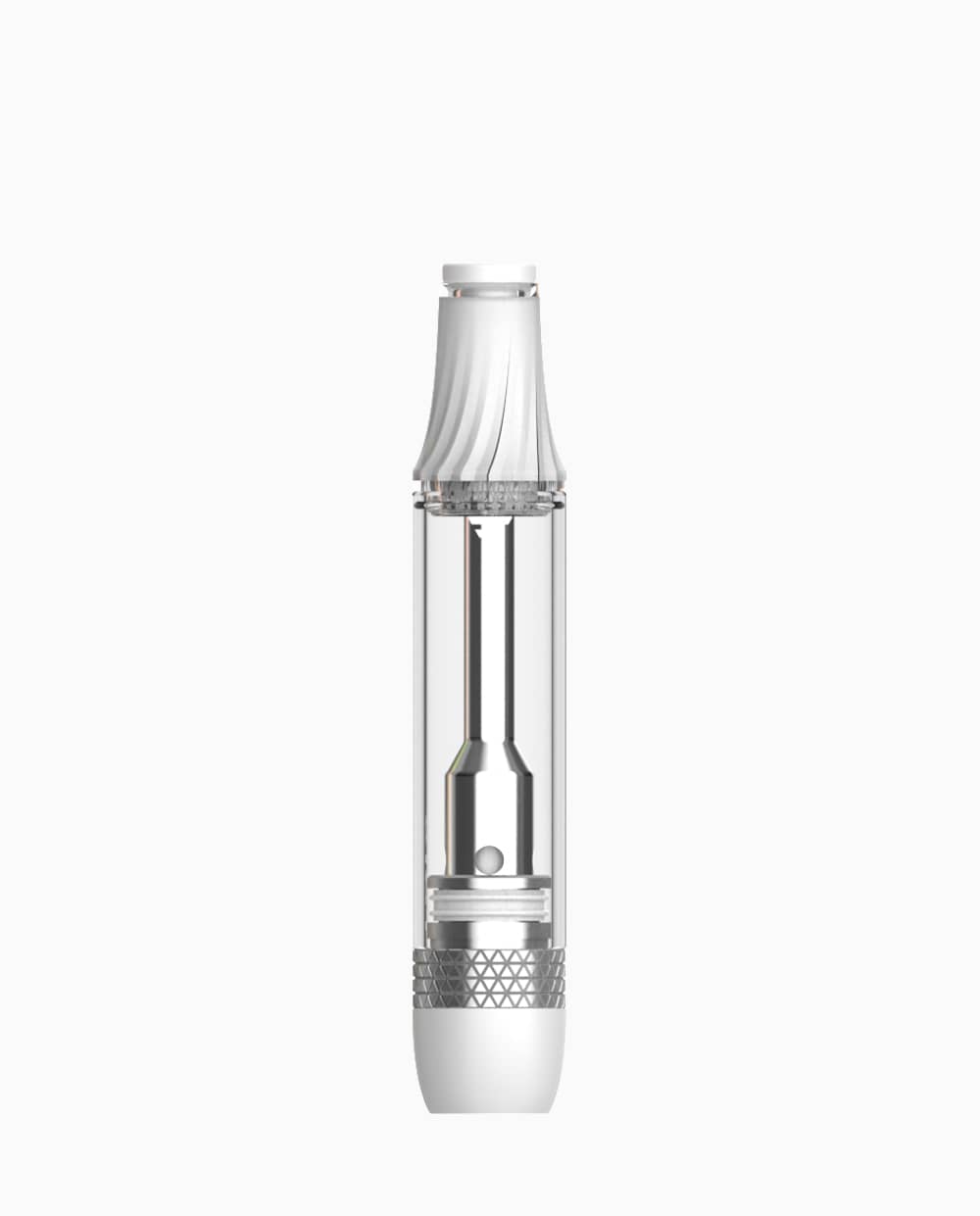
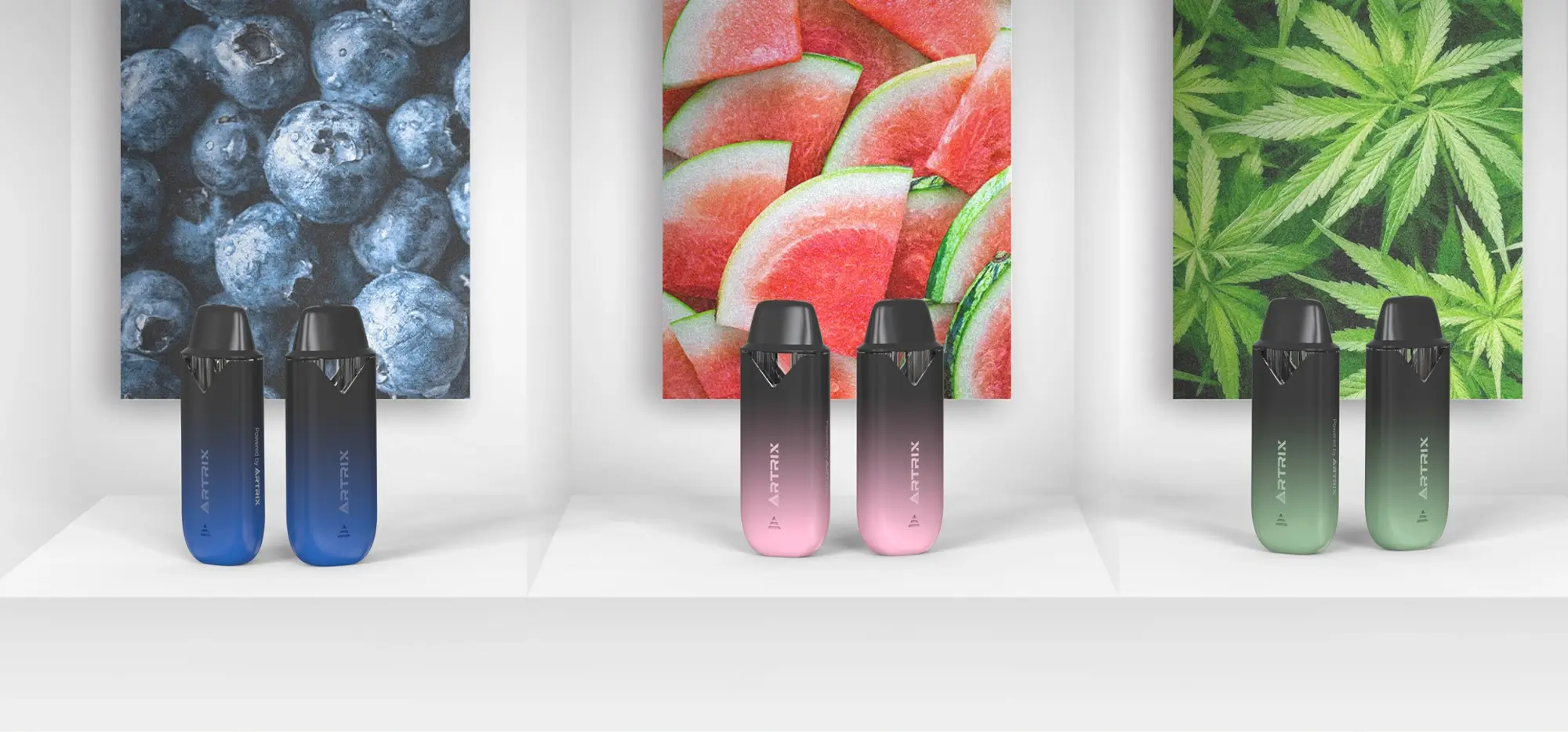
The cartridge holds the formulation and includes the mouthpiece and heating assembly; a compatible battery supplies power. Check whether your purchase includes that battery. A cartridge, a proprietary pod, and an all-in-one device should not be treated as interchangeable. For the ingredient terminology, see the liquid diamonds guide; use the finished-product label for the contents of your particular cart.
Match the Cartridge to the Manufacturer’s Instructions
Confirm the pairing before connecting or activating the device. A matching connector is only one part of the check: physical fit does not establish that the battery’s output and the cartridge’s requirements match. Do not select a voltage because another product uses the same oil name.
-
- Identity: record the finished-product brand, cartridge model if stated, and battery model.
-
- Connection: check the specified interface and any restrictions on cartridge dimensions or adapters.
-
- Power: compare the permitted output settings and electrical requirements stated in the applicable instructions.
-
- Documentation: confirm that the guide covers your version and the finished product, not merely similar-looking empty hardware.
If the documents conflict or omit the pairing, ask the finished-product supplier to confirm compatibility with your named battery. The FDA’s vape battery guidance likewise directs users to understand manufacturer recommendations and contact the manufacturer when instructions are missing. This general battery advice does not validate a specific cannabis cartridge.
Check the Label, Package and Product Condition
Check the product’s identity and visible condition before attempting operation. Keep the package and purchase record, and look for the ingredient information, batch or lot identifier, warnings, storage directions, and supplier contact details. Label formats vary by market; missing or conflicting information is a reason to ask the seller for clarification.
Look for damaged packaging, cracks, leakage, or a loose component without taking the cart apart. Photograph anything concerning and pause use. Color, clarity, or a visible gap above the oil does not establish composition or prove a defect.
Do not interpret an oil-level mark as a measurement of the amount inhaled. No validated inhaled-dose calibration for a particular model is provided here. A visible level or labeled fill quantity is not sufficient evidence to calculate a dose per draw.
How to Start Using Your Cartridge: Follow the Exact Model
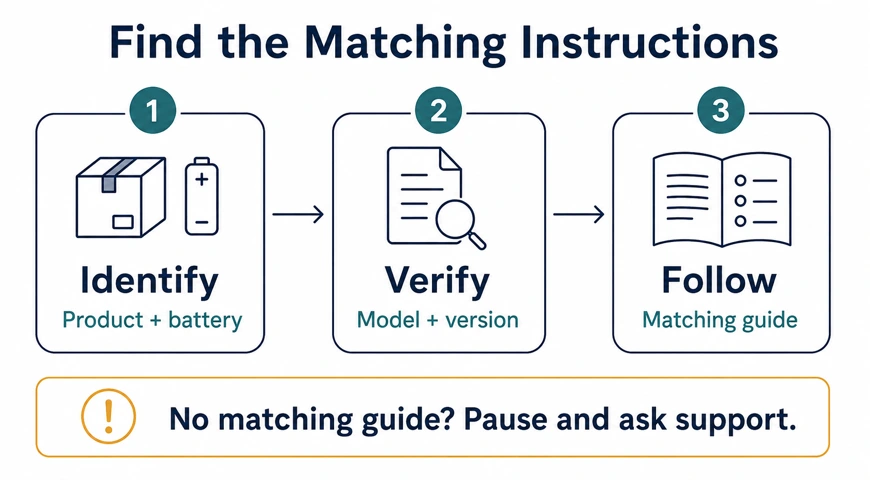
Start with a confirmed instruction set for your cartridge and battery. This guide does not currently include a verified model-specific startup sequence. If you cannot find the applicable instructions, your next step is to obtain them, rather than fill the gap with a generic tutorial.
Identify the Exact Model and Instructions
Check the package insert and the brand’s official support site. Search using the complete model name, then match the guide’s model, revision, and controls to your product. If the hardware model is absent, send the seller the finished-product name and lot number and ask for the applicable cartridge-and-battery instructions.
Complete Only the Applicable Steps
Locate the sections covering preparation, connection, activation, permitted settings, indicator meanings, and shutdown. Keep those instructions available while following them in their stated order. Do not borrow button sequences, priming routines, or preheat settings from another model.
| Check result | Instructions needed | Next step or stopping point |
|---|---|---|
| Product identified; pairing confirmed; no visible concern | Startup procedure covering this cartridge and battery | Follow the applicable preparation and activation sections. If a required detail is missing, ask support before proceeding. |
| Connector fits, but pairing is unconfirmed | Compatibility statement for the named combination | Pause. Send both product identities to the supplier for confirmation. |
| Instructions show different controls or components | Correct model or revision guide | Stop using that guide and request the matching version. |
| Leakage, damage, or an unexplained warning appears | Applicable warning and troubleshooting section | Stop operation. Record the issue and use the support path below. |
Know When to Stop or Seek Help
If a light, display message, or other response differs from the manual, stop and check its meaning. Do not assume that repeated activation will clear the issue. With no matching explanation, report the observed response to support.
Clogging, Leaking or Weak Output: Decide the Next Step
A symptom is a starting observation, not a diagnosis. Weak output does not establish that the oil has crystallized, and visible oil does not identify why the device is underperforming. Use the symptom to locate the relevant instructions instead of choosing a repair from the formulation name.
Record the Symptom and Device State
Note when the issue started, what the indicator showed, and whether it followed storage, charging, or a cartridge change. For example, “weak output with oil visible; indicator flashed after connection” gives support more information than “bad cart.” Record what already happened without repeatedly activating the device to reproduce it.
Check the Model-Specific Instructions
| Symptom | Information to record | Manual section and escalation |
|---|---|---|
| Restricted airflow or apparent clogging | Visible obstruction, onset, and device identity | Check the airflow or blockage section. Without an applicable procedure, stop and contact support; do not probe or dismantle the cart. |
| Leakage | Where liquid appears and whether damage is visible | Check leakage and damage warnings. Pause use and ask the supplier for handling instructions. |
| Weak or absent output | Battery indication, displayed setting, and when the change occurred | Check power, connection, and error sections. Limit checks to those explicitly permitted; escalate if unresolved. |
| Unexplained heating or physical damage | Previously observed behavior; photos only if safe | Stop using the device. Do not charge or activate it to test it; seek the manufacturer’s handling guidance. |
Stop and Escalate When Needed
Keep troubleshooting external and within the manual’s limits. Do not add substances or improvise modifications to restore output; public-health guidance advises against modifying cannabis vaping products. Without applicable troubleshooting documentation, stop use and contact the supplier.
Health symptoms require a different response from a hardware complaint. If you develop breathing difficulty or chest pain after vaping, stop use and seek prompt medical attention. The FDA advises people with health concerns after vaping to contact a healthcare provider. Do not wait for a retailer’s reply.
Prepare a Useful Support Request
Contact the seller or finished-product brand using verified purchase or package details. Include both product identities, the lot number, purchase date, symptom timeline, indicator behavior, and any checks completed under the instructions. Add clear photographs where safe. Health Canada’s product-label guidance specifically identifies lot and packaging information as useful references for complaints about Canadian products.
A useful message is: “My cartridge is [product/lot], paired with [battery model]. The issue began [when]. I observed [symptom/indicator] and followed [manual section]. Please confirm compatibility and the appropriate next step.” Share purchase details privately through official support channels. Ask which additional records are required; this checklist does not guarantee a refund or replacement.
Comparing Extracts Is a Different Question
Neither “liquid diamonds,” “live resin,” nor “distillate” establishes that one finished cart is universally better. Compare the specific products’ documented ingredients and composition separately from their hardware requirements. For that adjacent question, see the liquid diamonds vs live resin guide. An extract comparison does not supply operating instructions.
Frequently Asked Questions
Do liquid diamond carts require a separate battery?
The cartridges covered here do. Check whether the battery is included and which pairing the supplier specifies.
Can cartridge markings measure an inhaled dose?
Do not assume so. This guide provides no model-specific validation connecting an oil-level mark to the amount inhaled.
Does weak output mean the oil has crystallized?
No diagnosis follows from that symptom alone. Record the device state and use the troubleshooting path above.
Is one voltage suitable for every cart?
No universal voltage is established here. Use the requirements for the confirmed cartridge-and-battery combination.
What information should I send to support?
Send product and battery identities, lot details, symptoms, indicator behavior, and documented checks. Use the support-request example above.