-1.webp)
-1.webp)
-2.webp)






















Liquid Diamond Disposables: Features, Model-Specific Use and End-of-Life Checks
Last Updated: Sep 4, 2026
This content is for informational purposes only and does not constitute medical or legal advice. Please consult a licensed healthcare provider before using cannabis products. Comply with your state’s regulations.
This content is intended for audiences 21 years and older, as required by U.S. law.
Cannabis regulations vary by state. Please verify the legal status of products in your area before purchase.
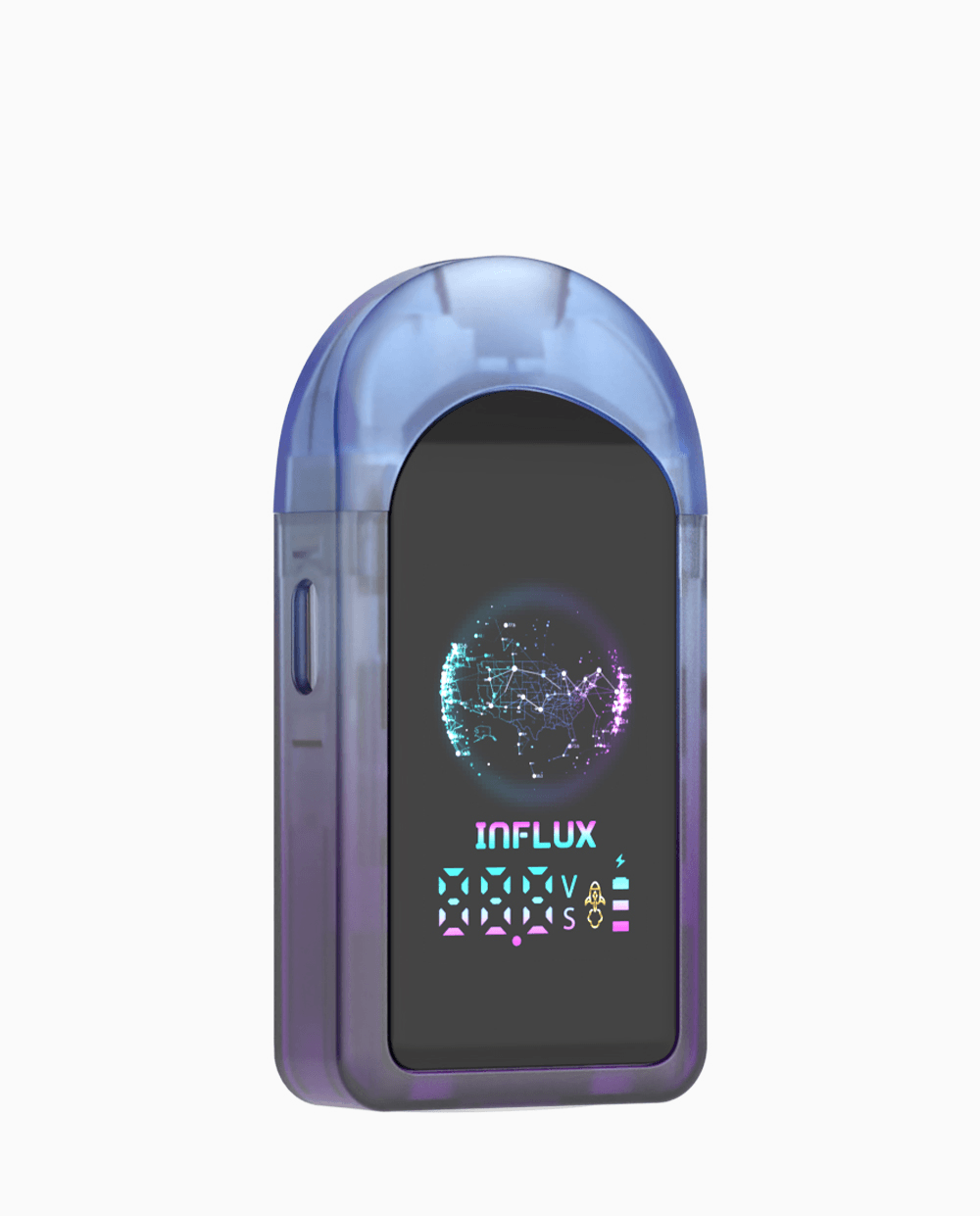
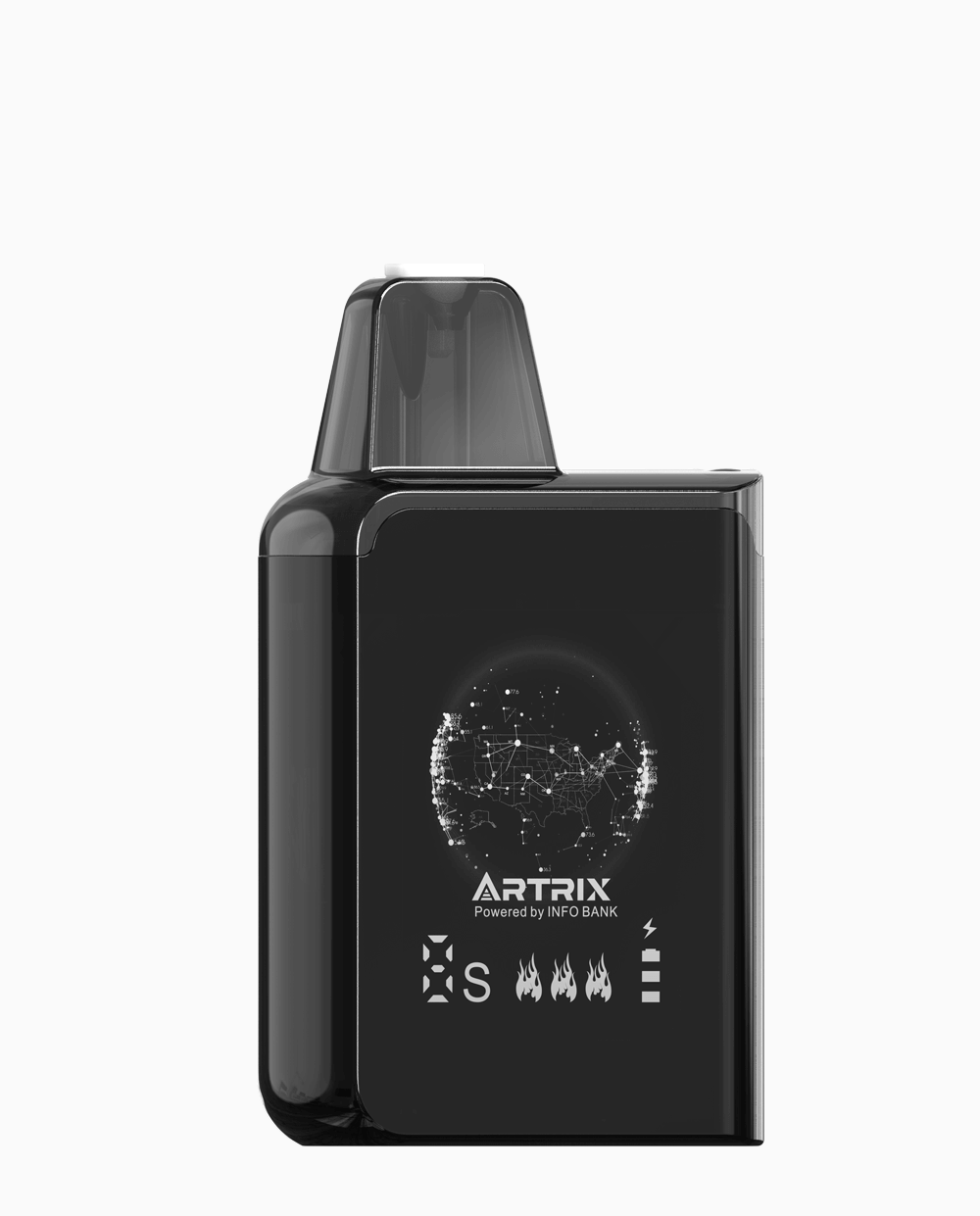
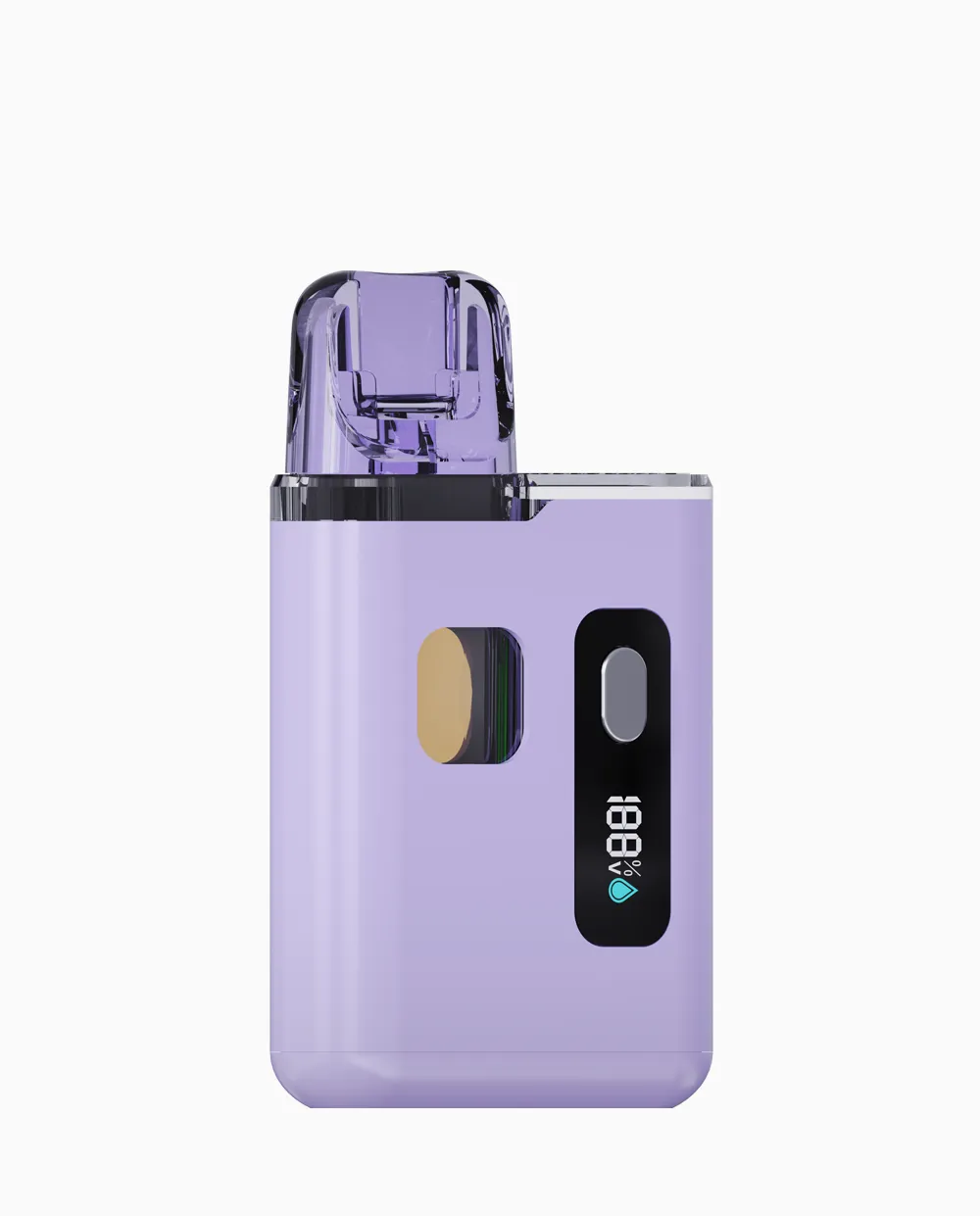
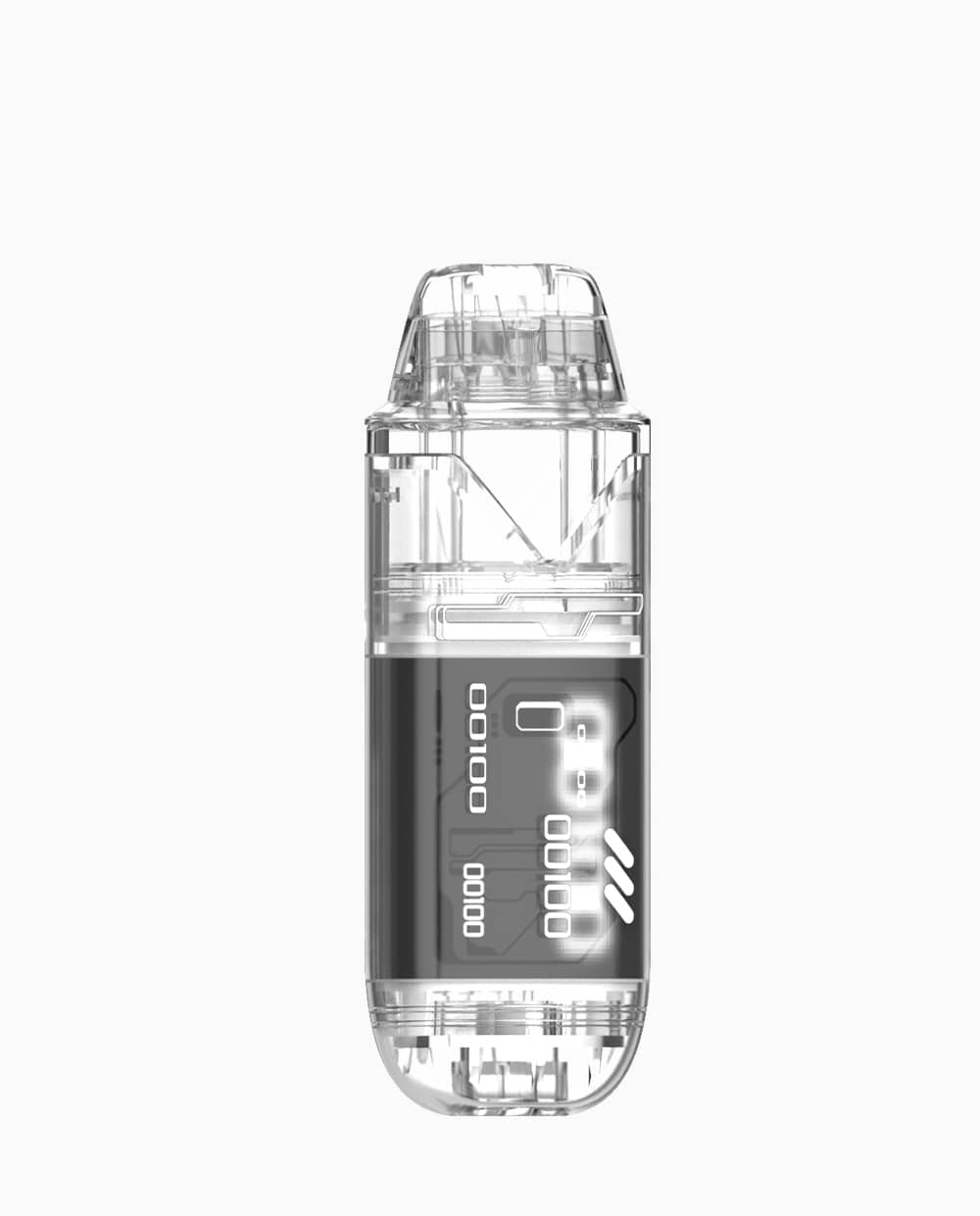
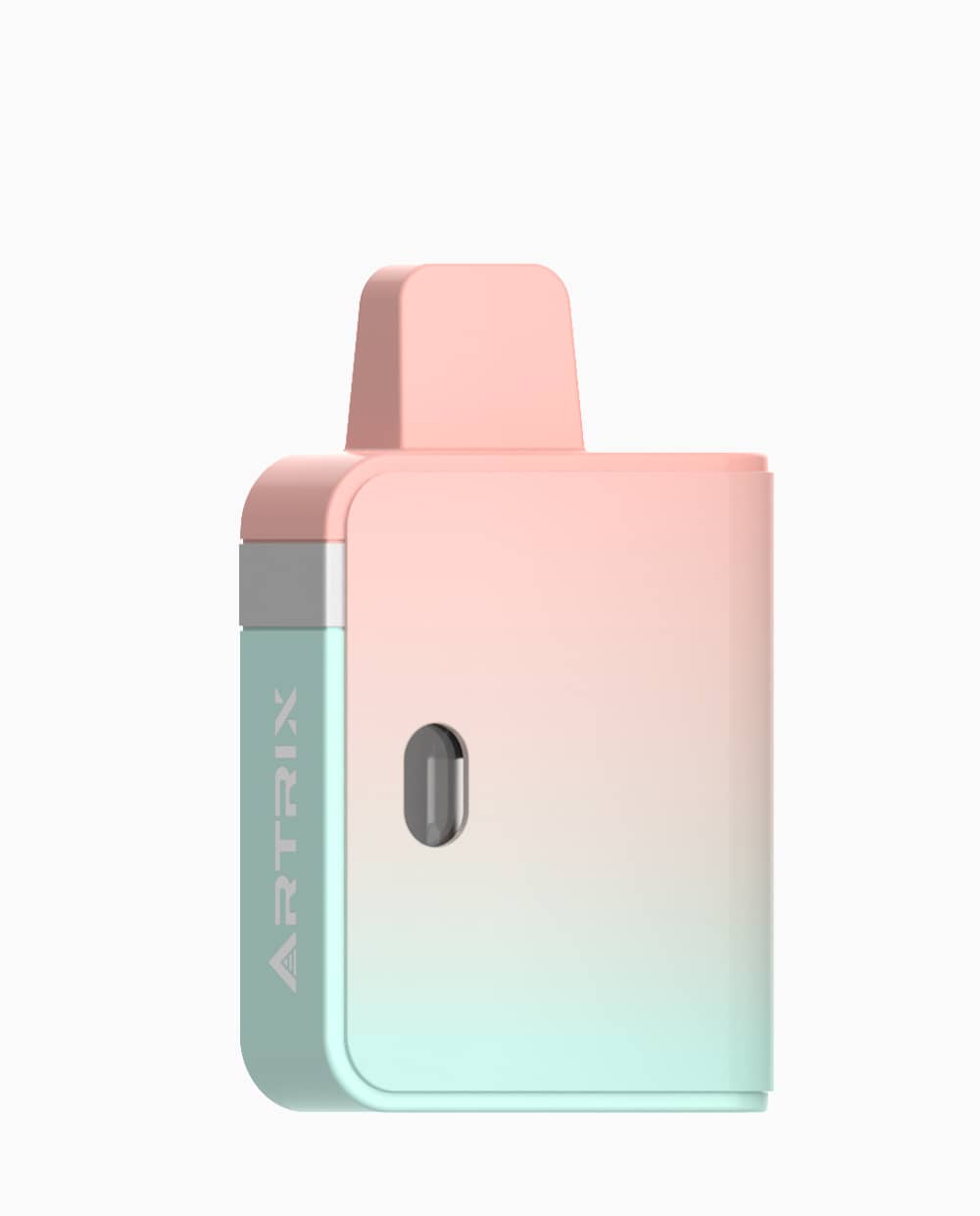
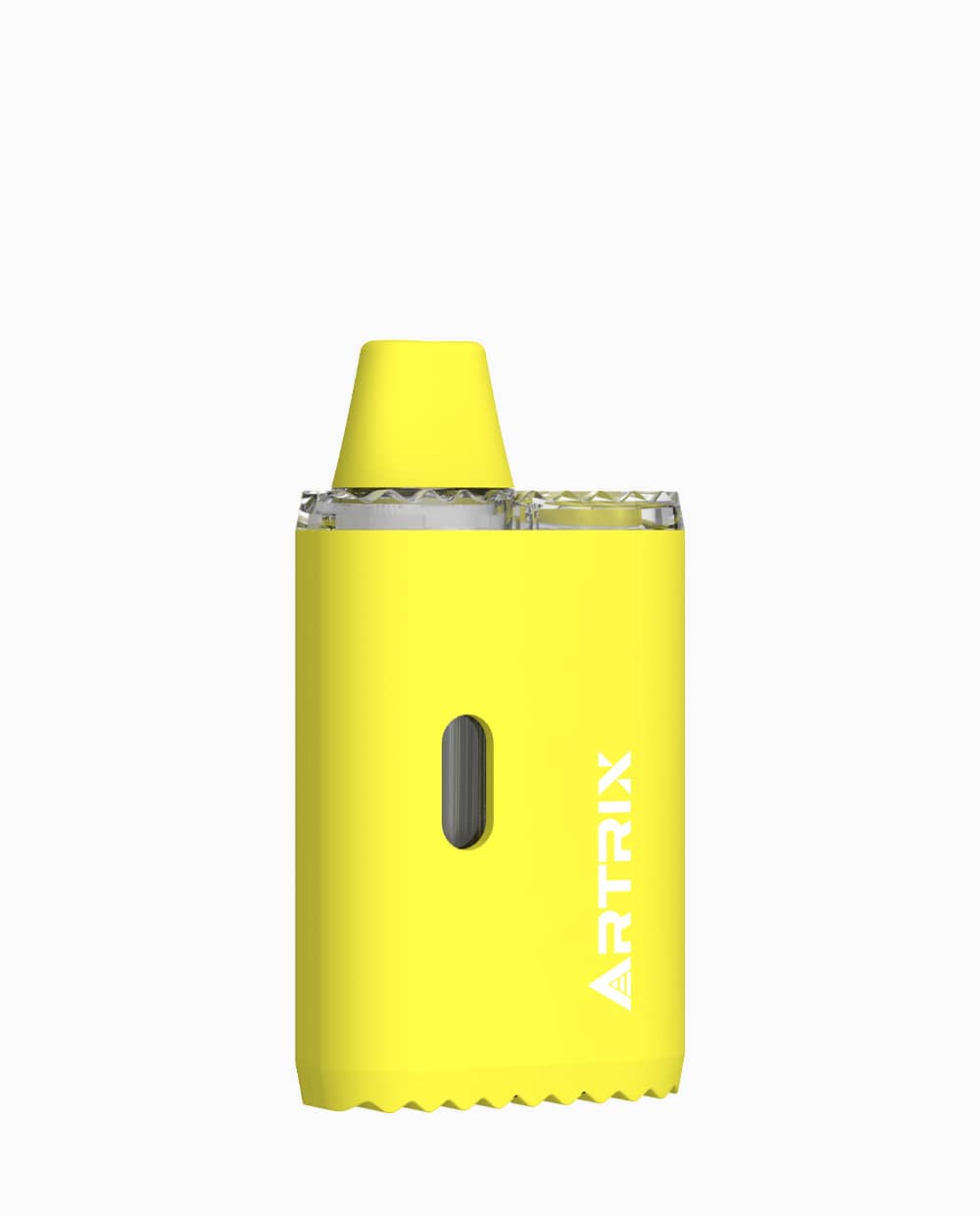
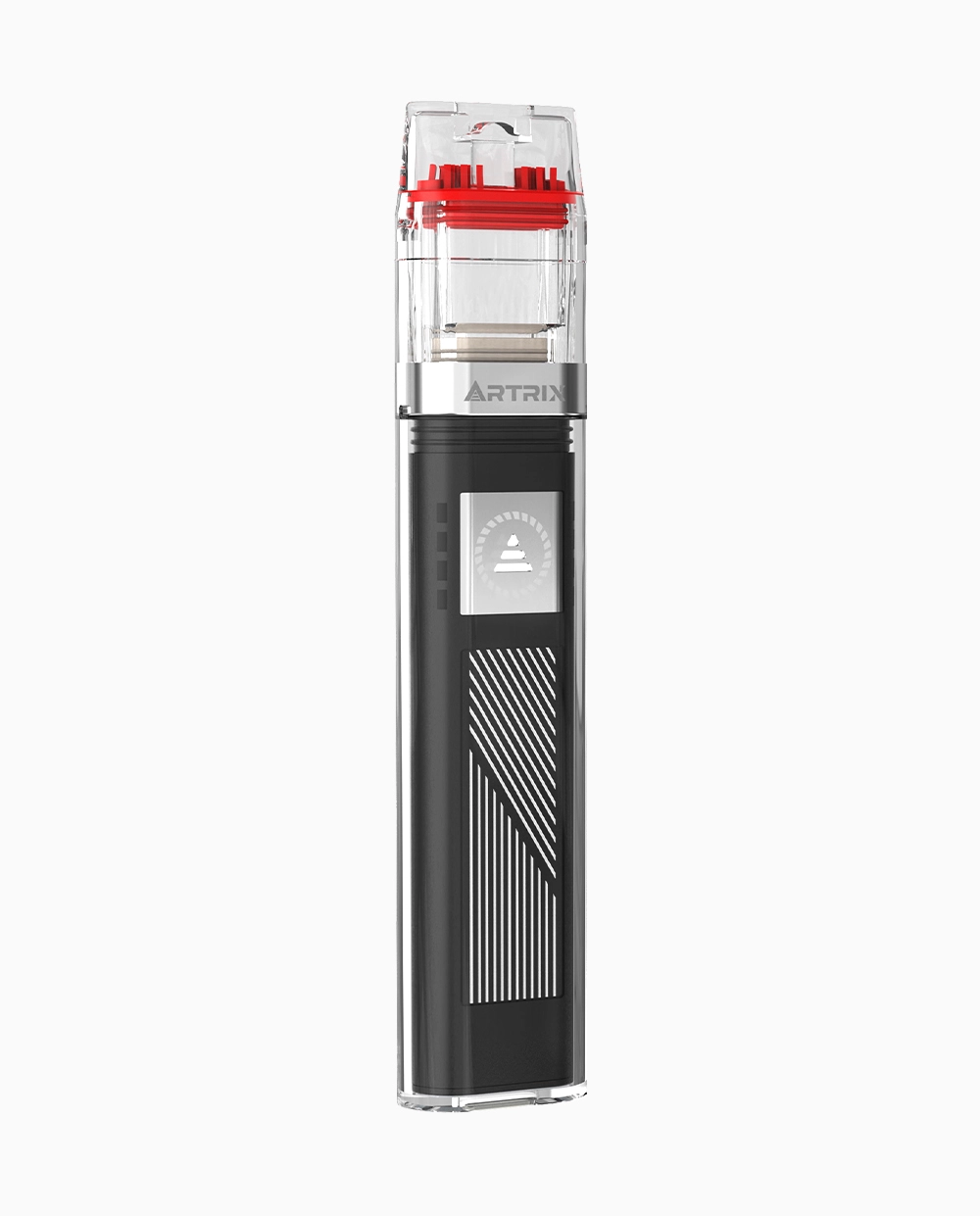
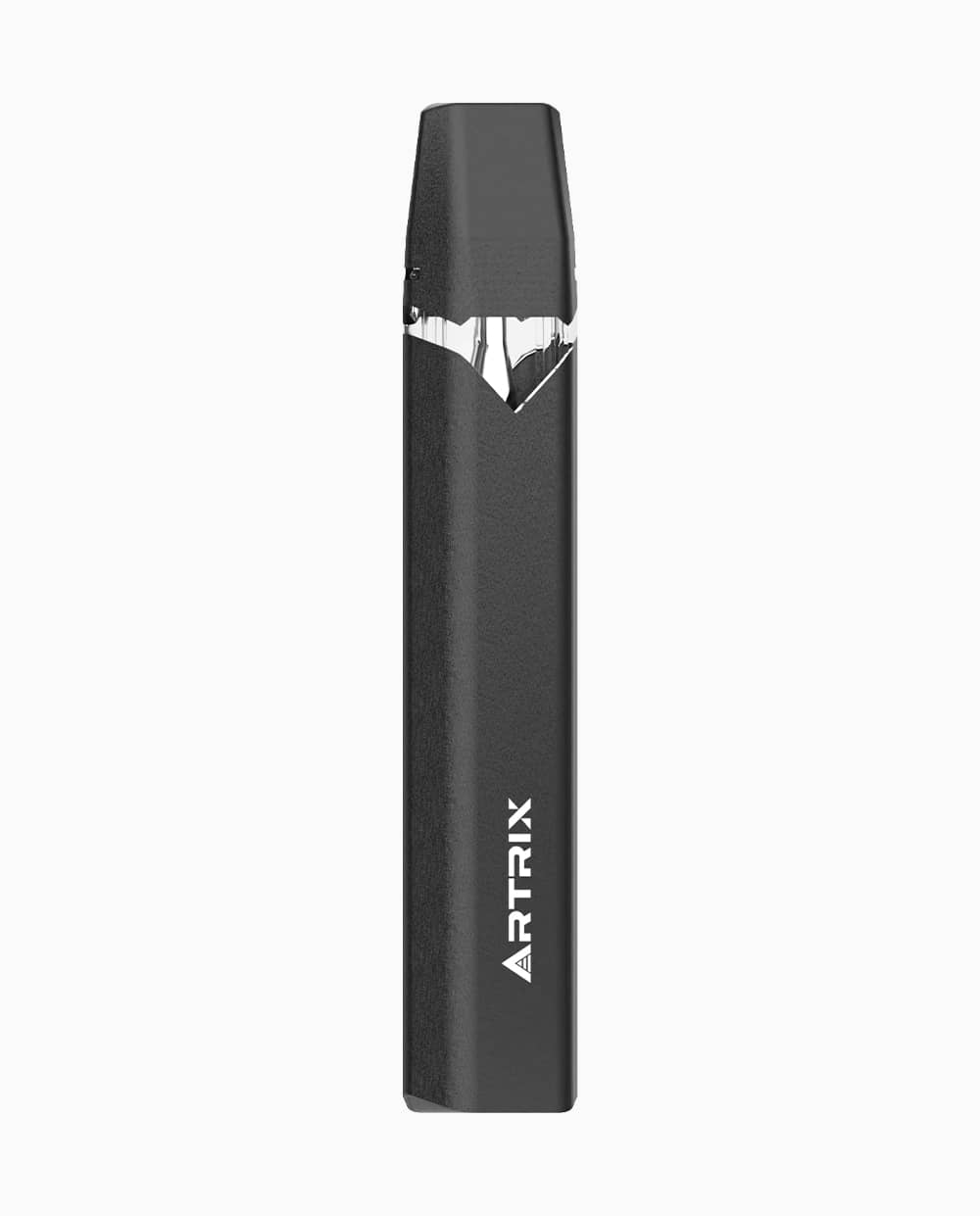
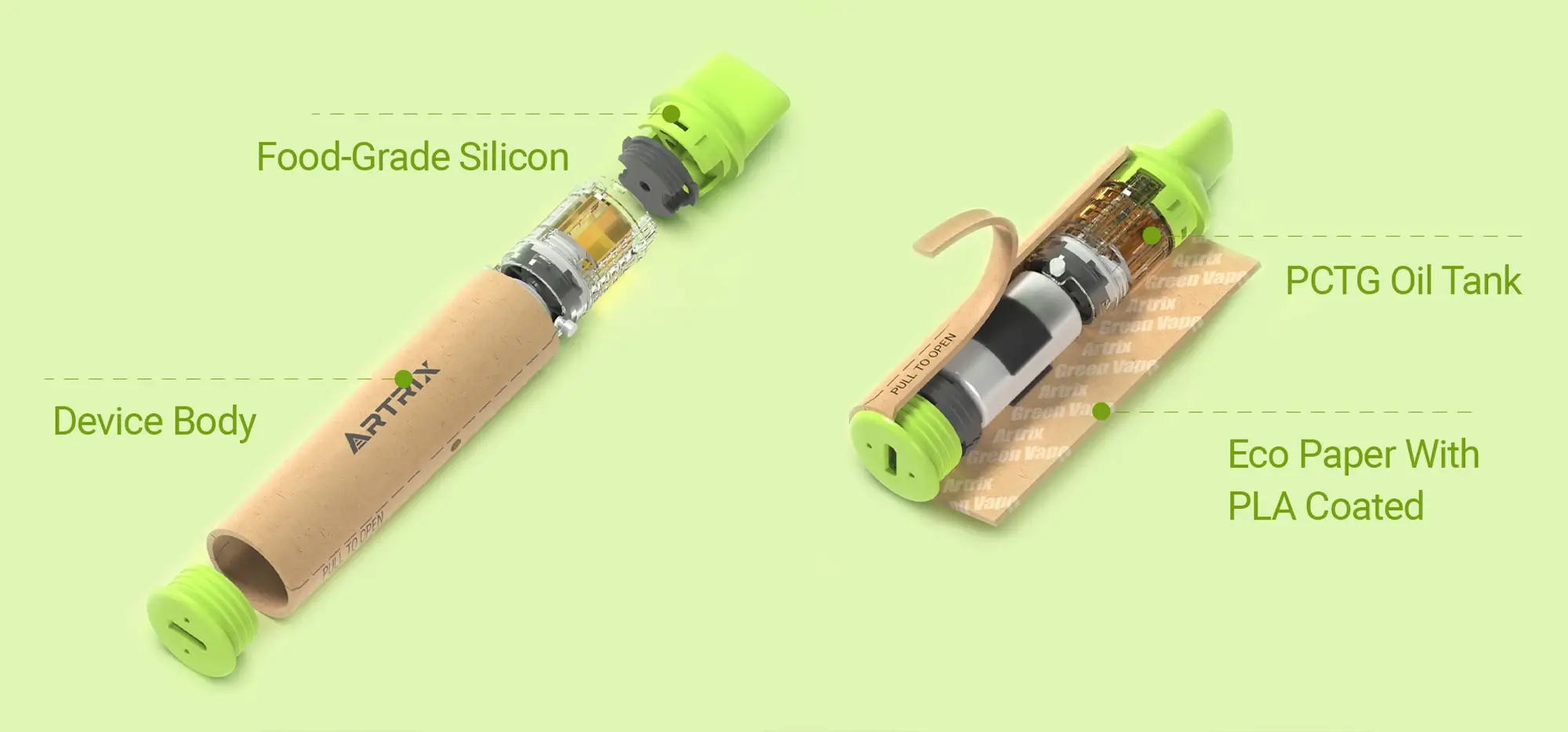
A liquid diamond disposable combines a prefilled reservoir and battery in one device. That format can reduce the separate parts you manage, but it does not tell you whether the device recharges, how it starts, or what its indicator lights mean. Those answers belong to the exact finished product and its instructions.
This guide covers the all-in-one format for adult consumers. It separates product lifespan from operating instructions, so a low battery, visible oil, or an unfamiliar light does not become a reason to guess.
What Is a Liquid Diamond Disposable?
In a liquid diamond disposable, “liquid diamond” refers to the concentrate inside, while “disposable” refers to the all-in-one device format. The name alone does not tell you the full formulation or whether the device supports recharging. Check the finished-product label for ingredient information and the instructions for your exact model for its features and operation.
Convenience Has Trade-Offs
The practical advantage of an all-in-one is having the reservoir and power source together. If you want fewer separate components to keep track of, that arrangement may suit you. It does not establish that every model requires no preparation or is suitable for every beginner.
When weighing liquid diamond disposable pros and cons, compare the actual products you could buy:
-
- Parts to manage: Check whether charging accessories are required and included.
-
- Size: Compare published dimensions rather than assuming every disposable is smaller.
-
- Purchase cost: Compare current checkout totals, labeled contents, and any separate hardware needed. A lower initial price does not establish a lower cost over repeated purchases.
-
- Replacement limits: Identify which components, if any, the manufacturer allows you to replace.
-
- End-of-life arrangements: Find an appropriate collection route before the device stops working.
If your main question is which format to choose, continue to the Liquid Diamond Vape format guide. The checks below apply once you are considering or holding an all-in-one product.
Rechargeable, Refillable and Replaceable Are Different
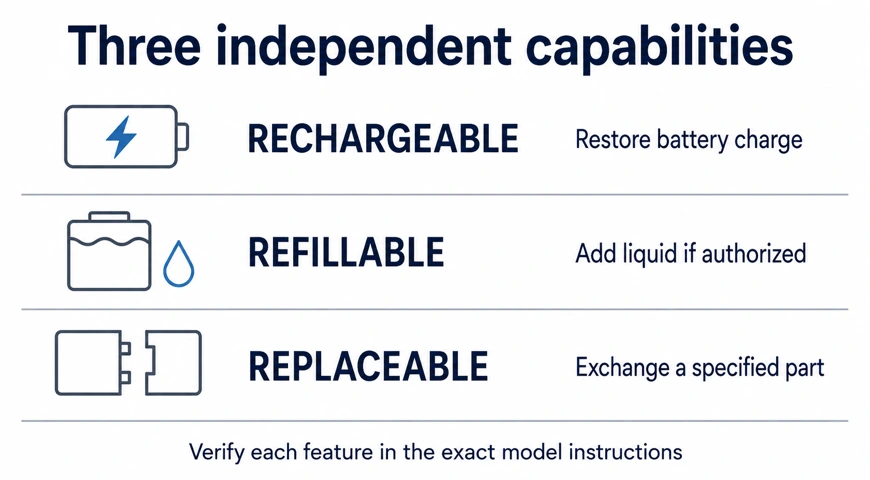
These are three separate permissions. A device can support one without supporting the others; check each field in its instructions.
| Feature | What it means | What to verify |
|---|---|---|
| Rechargeable | The battery can receive another charge. | Whether charging is permitted, the specified accessories, and completion indicators. |
| Refillable | The reservoir is designed for the user to add more liquid. | Explicit consumer refill instructions for this product. |
| Replaceable | A named component is designed to be exchanged. | Which component, compatible replacements, and the authorized procedure. |
Seeing a port does not authorize opening the reservoir. Likewise, filling information intended for manufacturers does not establish that consumers may refill a finished product. Without explicit instructions, do not add oil, pry off the mouthpiece, or open the housing.
How to Start Using Your All-in-One Device: Follow the Exact Model
Start with instructions that match the finished product in your hand. A hardware name, a product photograph, or another brand’s tutorial is not enough to establish the correct preparation and activation sequence.
Identify the Exact Model and Instructions
Find the finished-product brand, model or SKU, and batch details on the packaging. Use its printed support address or QR code to locate the instructions, then check the model, version, and applicable product. If the link opens only a marketing page, ask the retailer or the brand named on the label for the operating guide.
A useful request is: “Please send the instructions for this SKU, including preparation, activation, permitted charging, indicator meanings, and when to stop.” Include photographs of the label and device so support can distinguish similar versions.
Complete Only the Applicable Steps
Keep inspection and operation separate. First complete the product’s specified checks. Then follow its preparation and activation instructions, using the matching illustrations and indicator descriptions. Confirm any required charging equipment before connecting power.
No finished-product manual has been verified for a specific SKU in this guide, so a model-specific start sequence is not provided. If your instructions are missing or conflict with the device, pause and obtain clarification instead of trying generic button counts, settings, or activation tricks.
Know When to Stop or Seek Help
Follow the model’s documented stop conditions. Separately, excessive heat, swelling, unusual odor, leakage, or unusual battery noises are reasons to stop using a lithium-ion-powered device; these are battery warning signs, not normal end-of-life indicators. If there is smoke or fire, get away and contact emergency services.
Battery Empty, Oil Remaining or a Device Fault?
A device that stops producing vapor has not necessarily explained why. Match the observed state to its documentation before deciding whether the next step is permitted charging, support, or disposal.
Read the Available Indicators
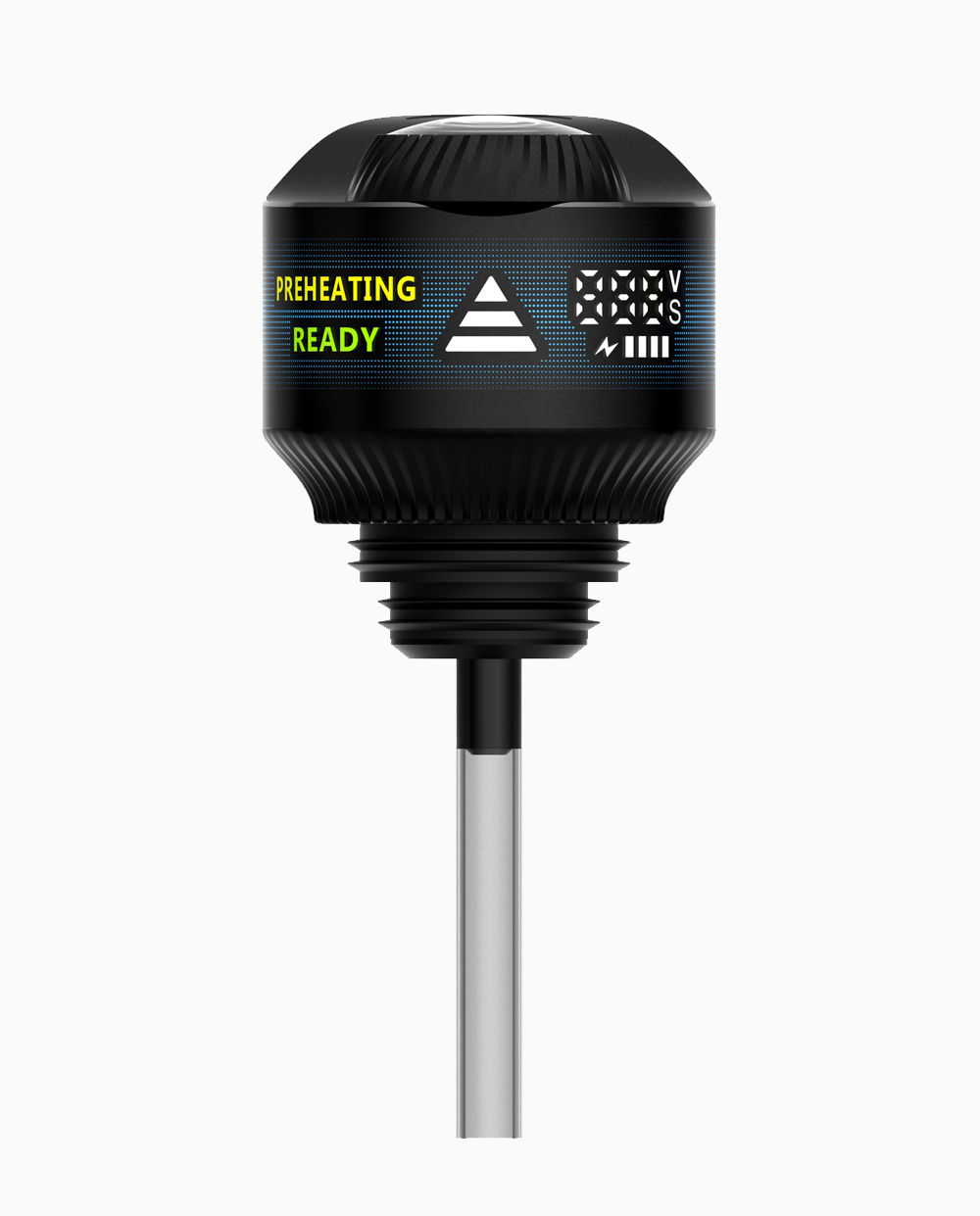
Record what you actually see: the light pattern, display message, visible contents, and when the change happened. Do not assign a meaning to a color or blink count from another device.
| Observed state | What it establishes | Next step |
|---|---|---|
| A documented low-battery signal | The model is reporting low charge, not necessarily an empty reservoir. | Use its charging instructions only if charging is permitted and no warning signs are present. |
| Visible oil but no output | You can see material remaining; the cause of the interruption is unknown. | Check the documented indicators or contact finished-product support. |
| An unfamiliar light or no response | The state has not been identified. | Ask support to interpret it; do not bypass activation controls. |
| The product meets its documented end-of-use condition | Its intended use is finished. | Follow the local disposal route; remaining battery charge does not authorize refilling. |
| Battery warning signs | Continued operation requires stopping, regardless of remaining oil. | Stop use and charging; seek appropriate help. |
Separate Battery State from Product Life
Charging, when authorized, addresses battery charge. It does not refill the reservoir or establish that every component is working. Conversely, visible oil cannot confirm the battery state or rule out a fault.
Follow the Model-Specific Next Step
If the documented next step does not resolve the issue, report the observed state and steps already completed to support. Avoid repeated activation attempts or opening the device to recover the remaining contents.
Before Purchase and at End of Life
Before buying, confirm the exact SKU’s instructions, charging capability, replacement limits, and support contact. Keep the packaging information available afterward. A familiar housing is not a substitute for these details.
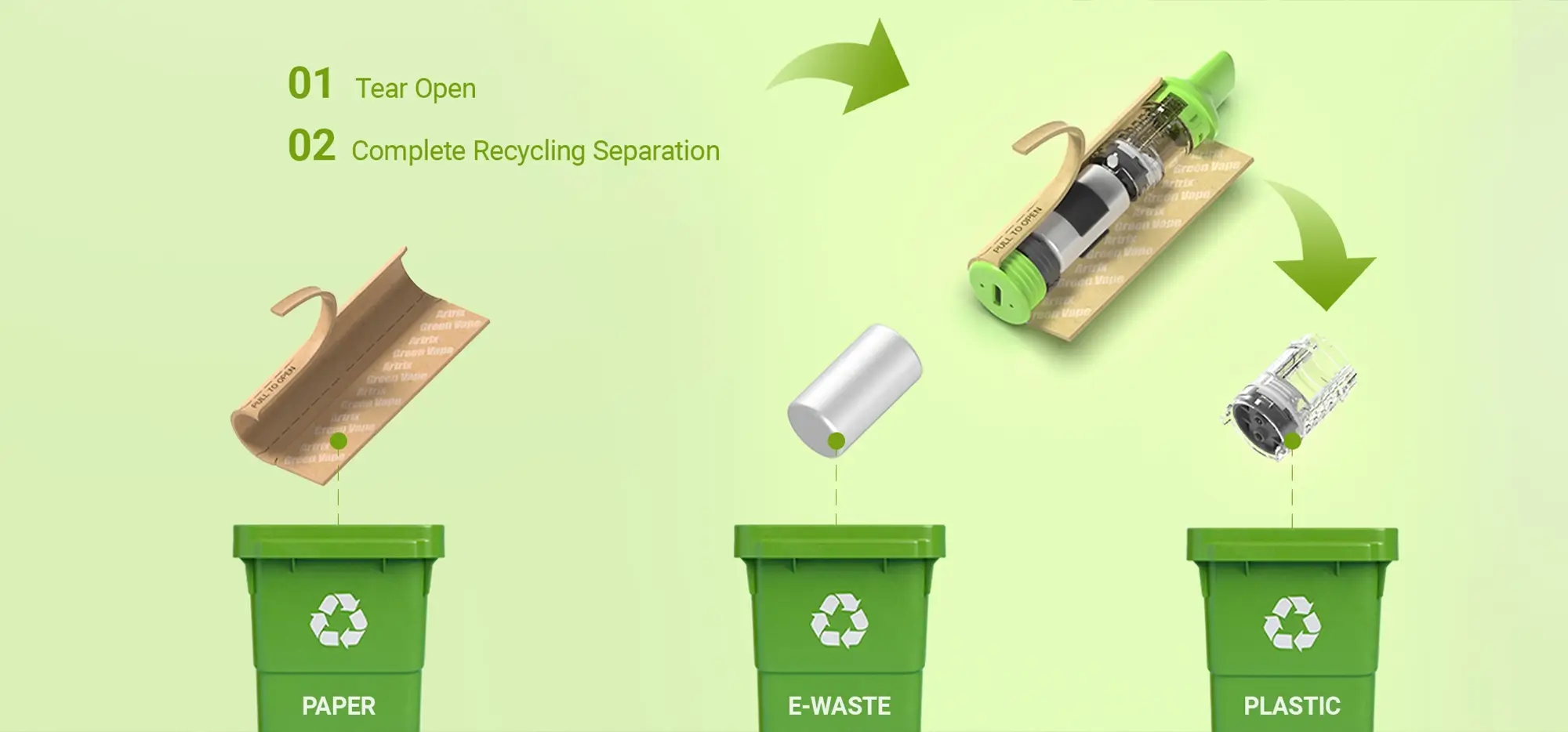
At end of life, follow your location’s rules for the complete product. In the United States, EPA advises keeping devices containing lithium-ion batteries out of household trash and municipal recycling bins.
California’s integrated cannabis vaporizer guidance directs empty devices to household hazardous waste collection or another approved facility. Elsewhere, consult your local waste authority. Confirm that the site accepts intact cannabis devices, especially those containing residual oil or damaged batteries; a general battery collection point is not an automatic match.
Frequently Asked Questions
The model documentation should resolve these questions before operation.
Are liquid diamond disposables always non-rechargeable?
No. Check the exact product’s charging specification and instructions.
Can a rechargeable disposable be refilled?
Rechargeability does not authorize refilling. Look for separate, explicit consumer refill instructions.
Does visible oil mean the device should still work?
No. Use the state table above; visible contents alone do not identify the problem.
Does battery capacity prove runtime?
No. A capacity rating alone is not a verified runtime or session count.
What should I check before disposal?
Confirm local acceptance of the complete device, remaining contents, and any battery damage. Ask for handling instructions before taking it to a collection site.
For your next step, use the matching operating guide, the finished-product support channel, or your local disposal service—whichever addresses the device’s current state.